FFXIV Reshade
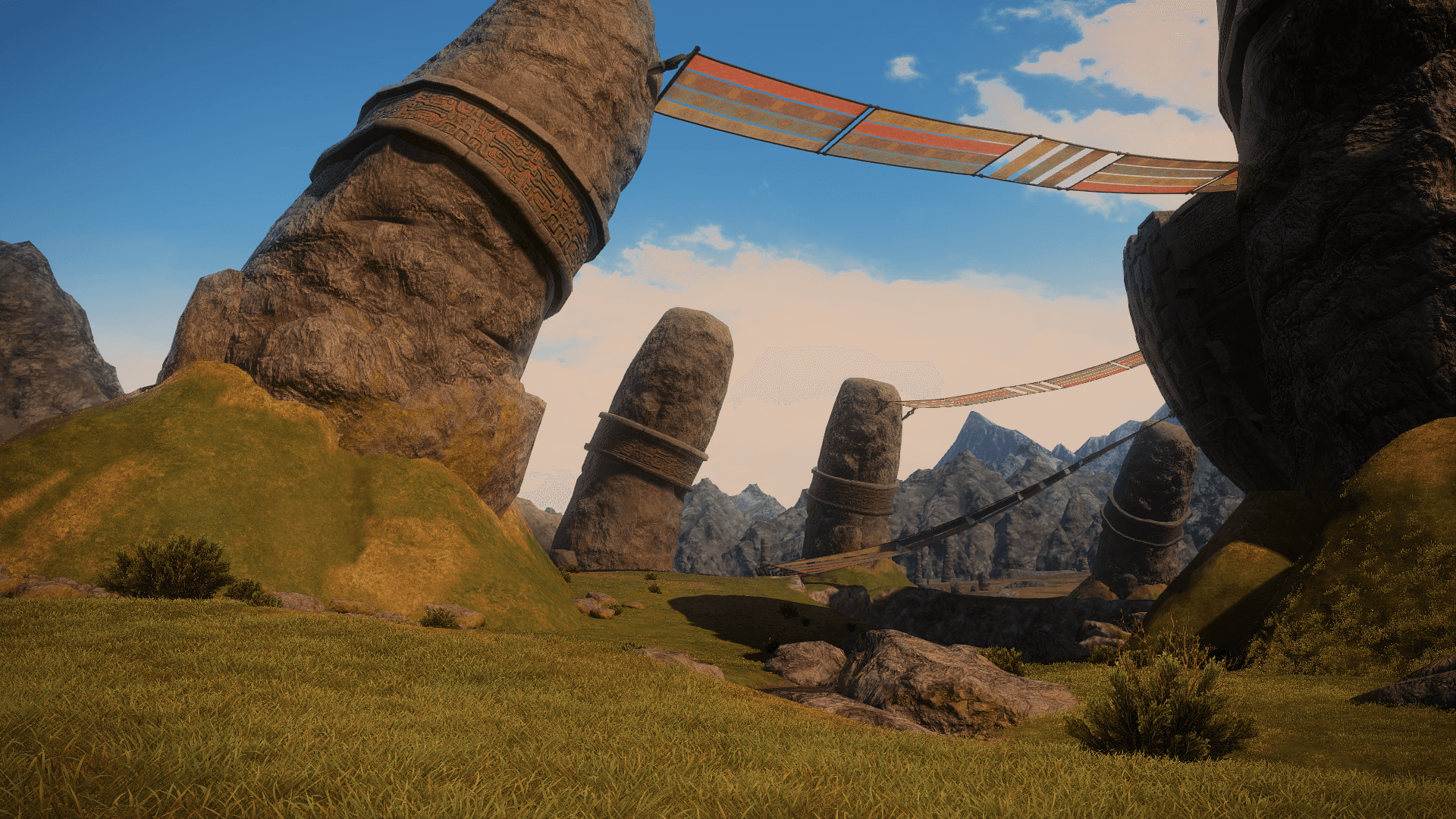
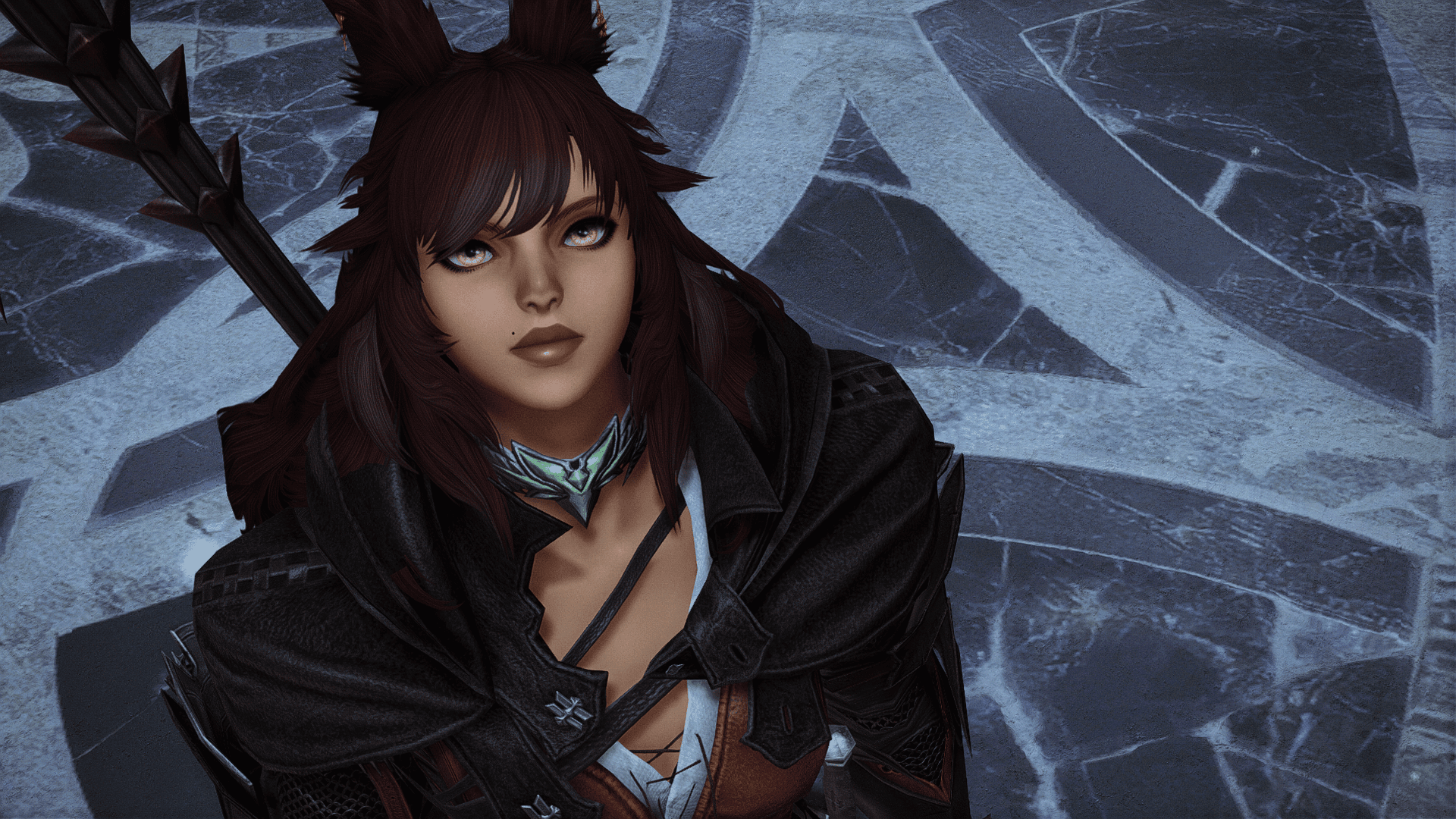
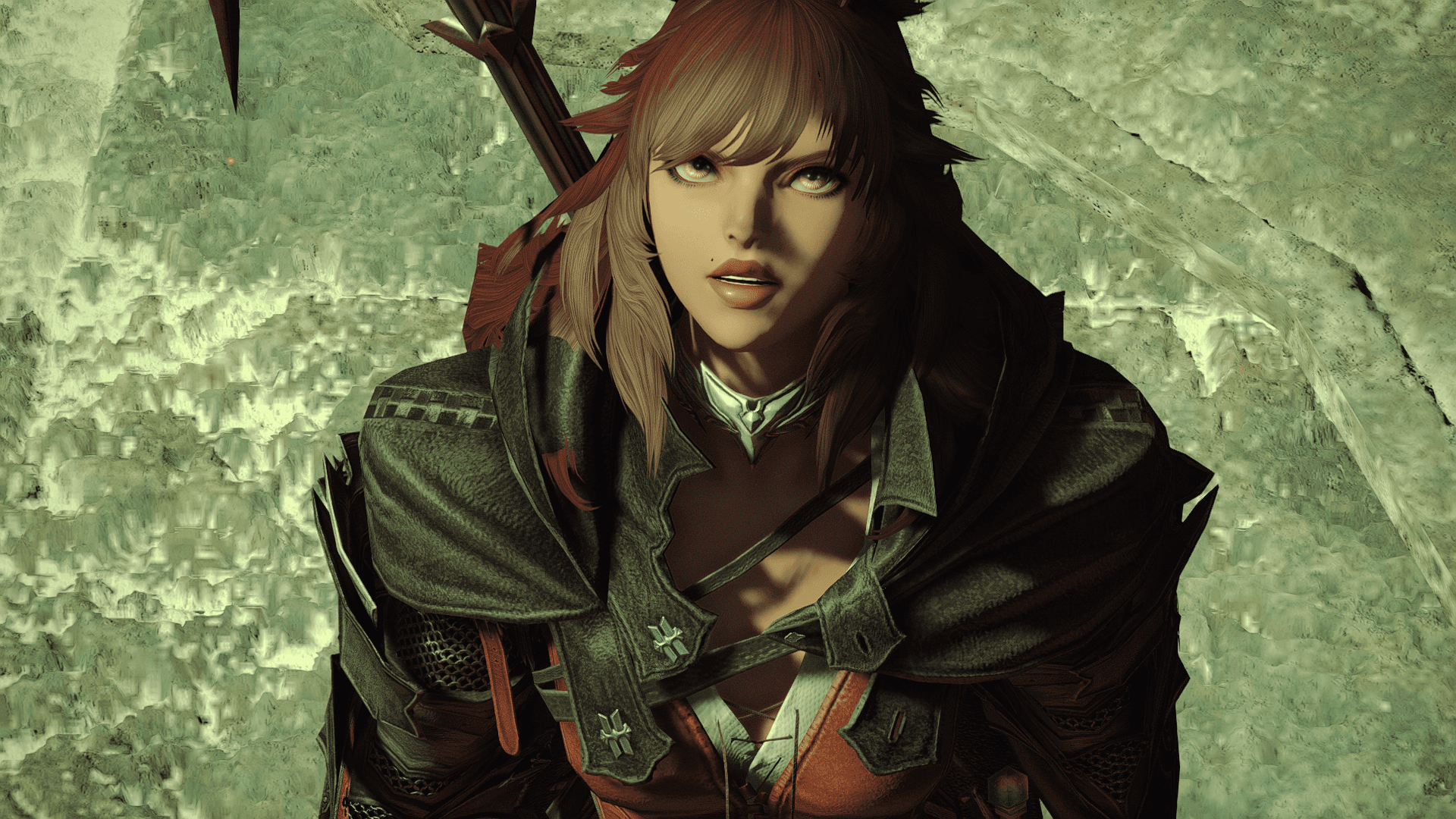
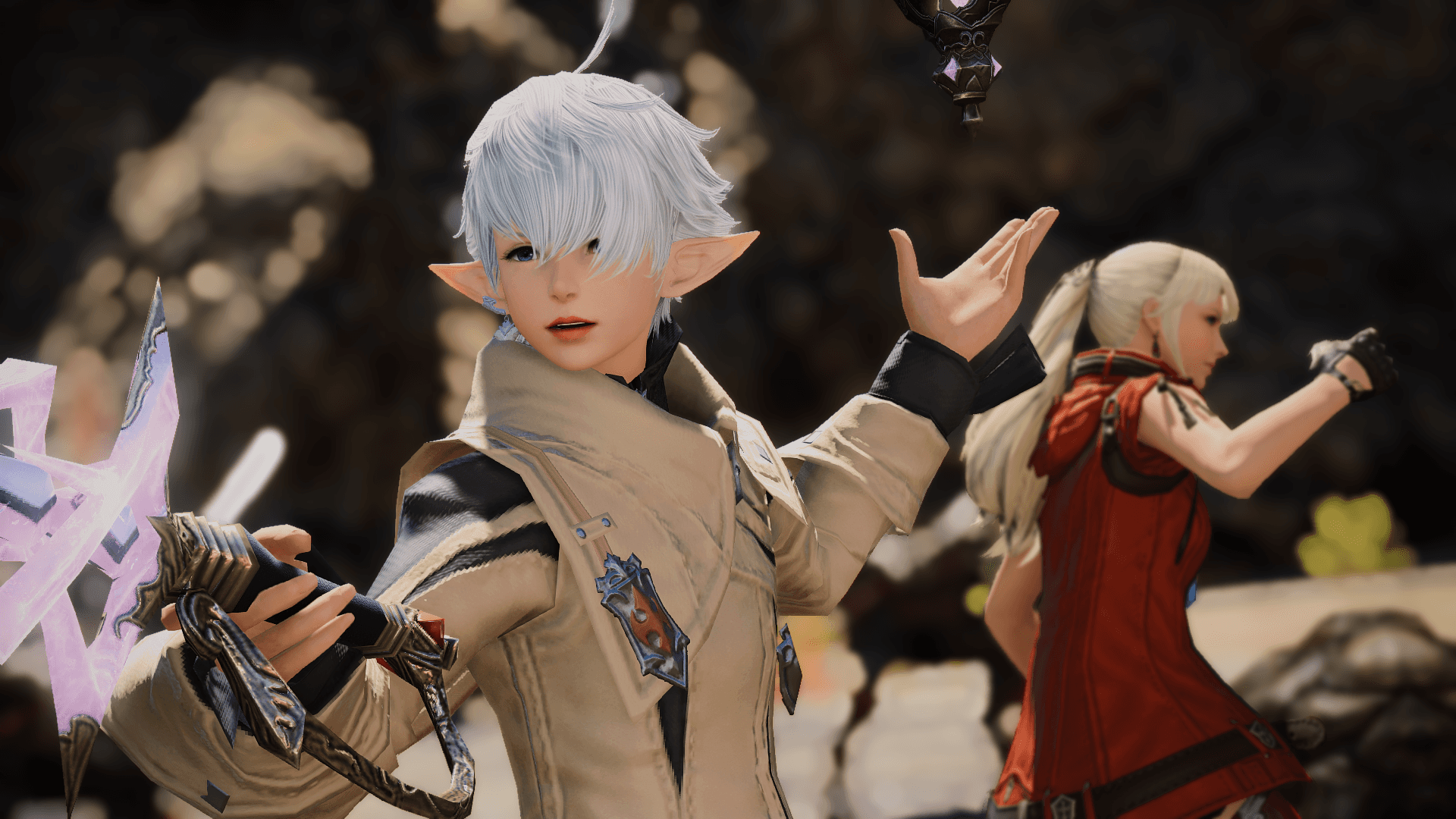
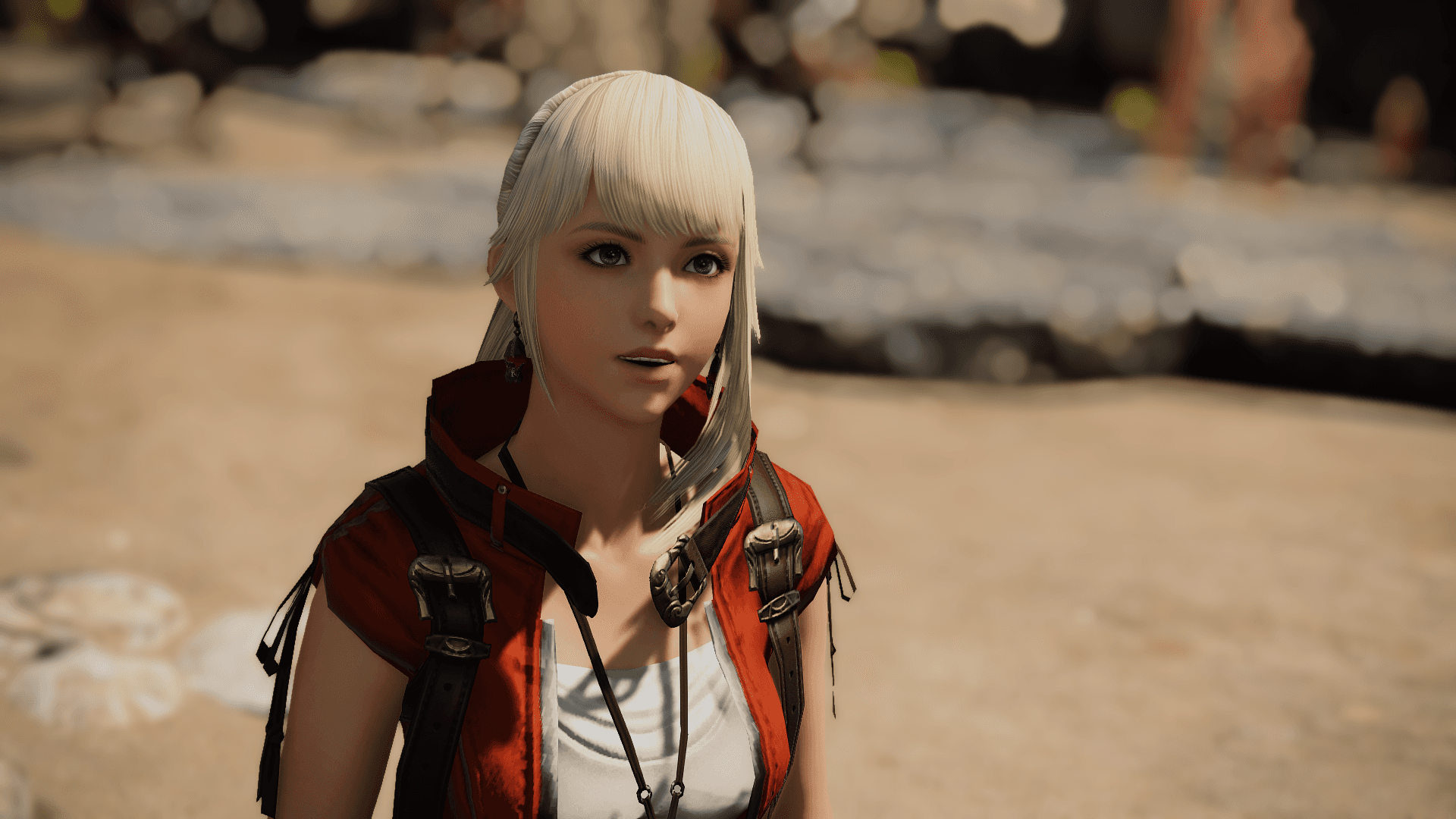
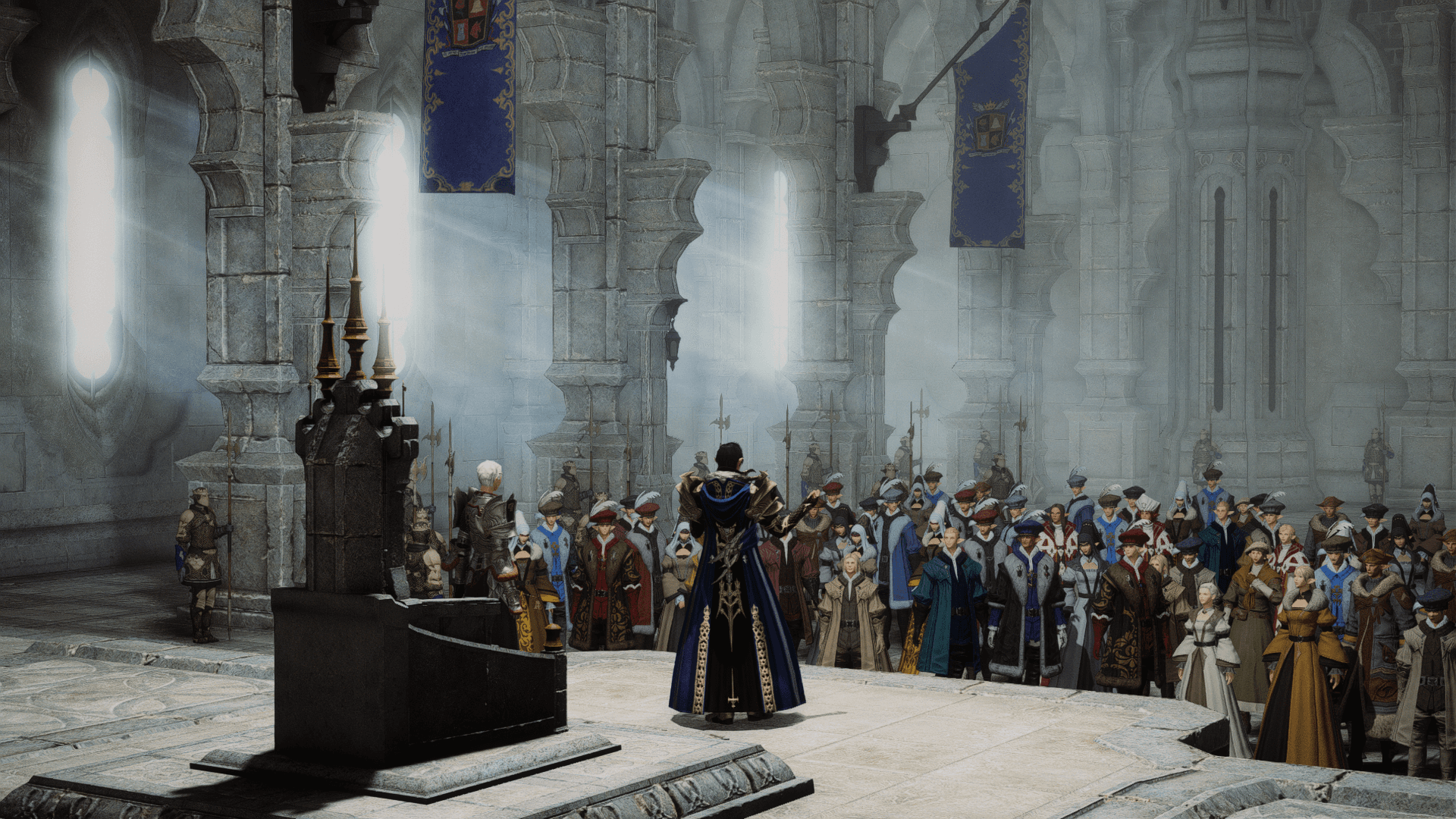
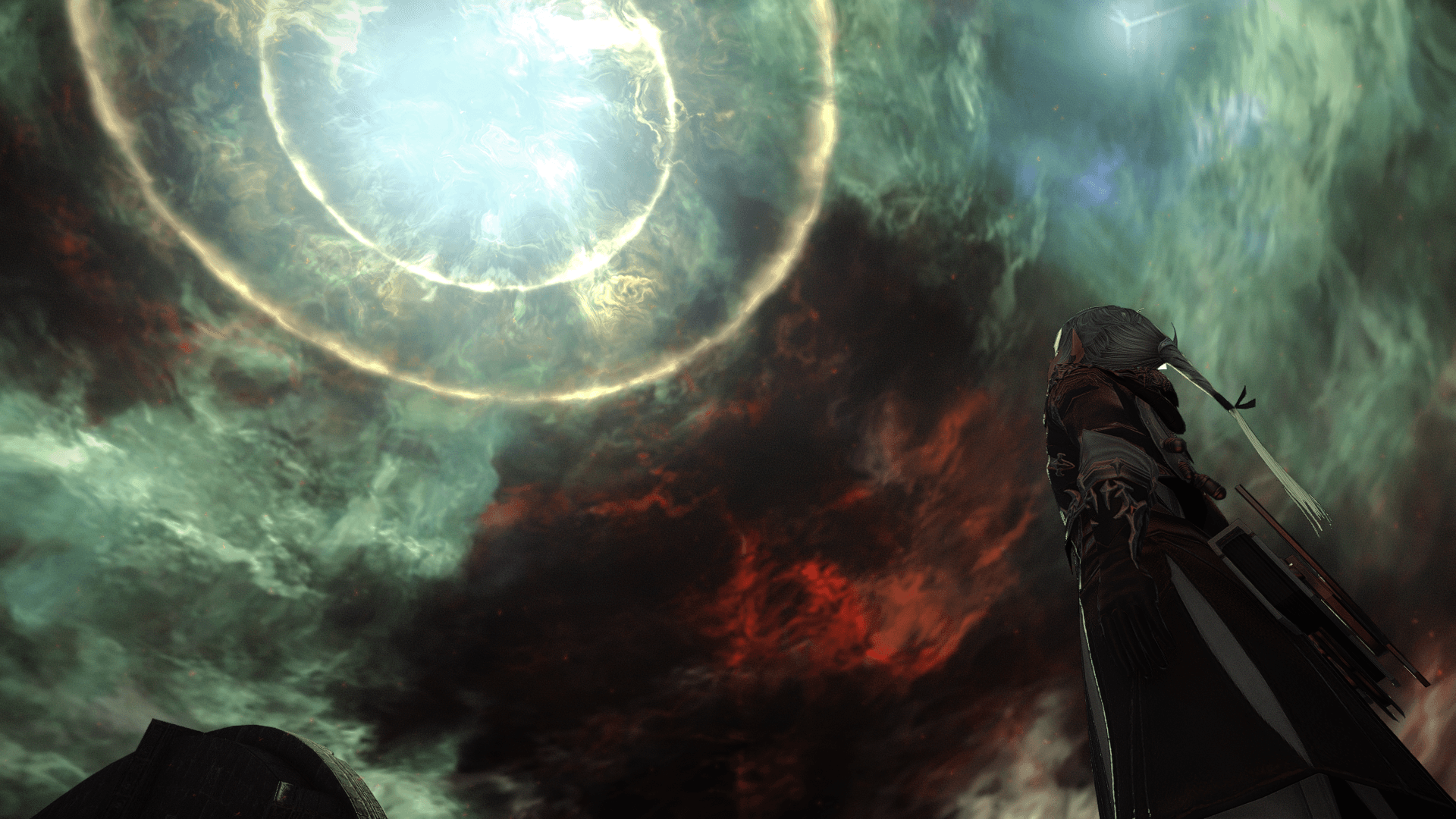
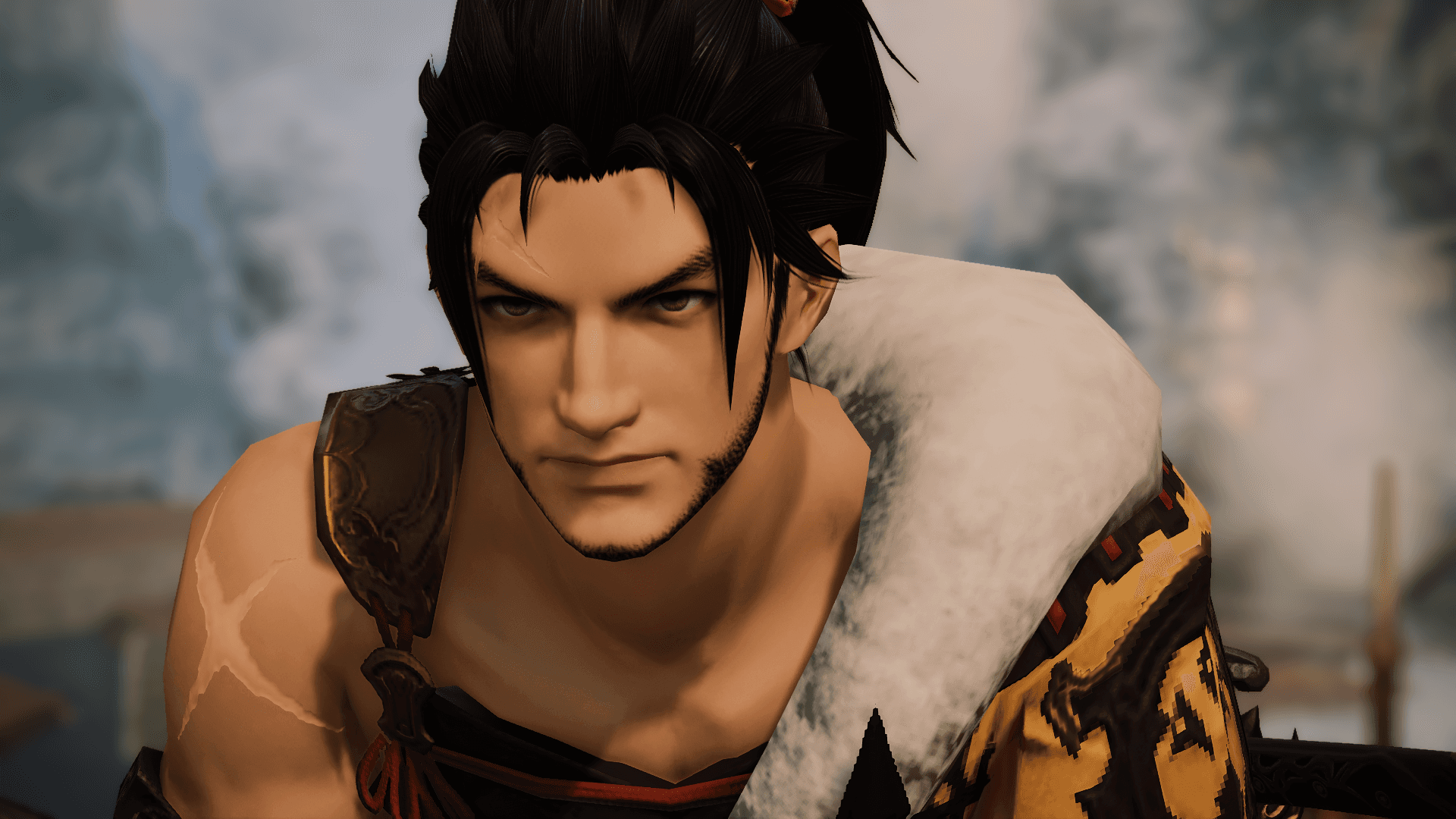
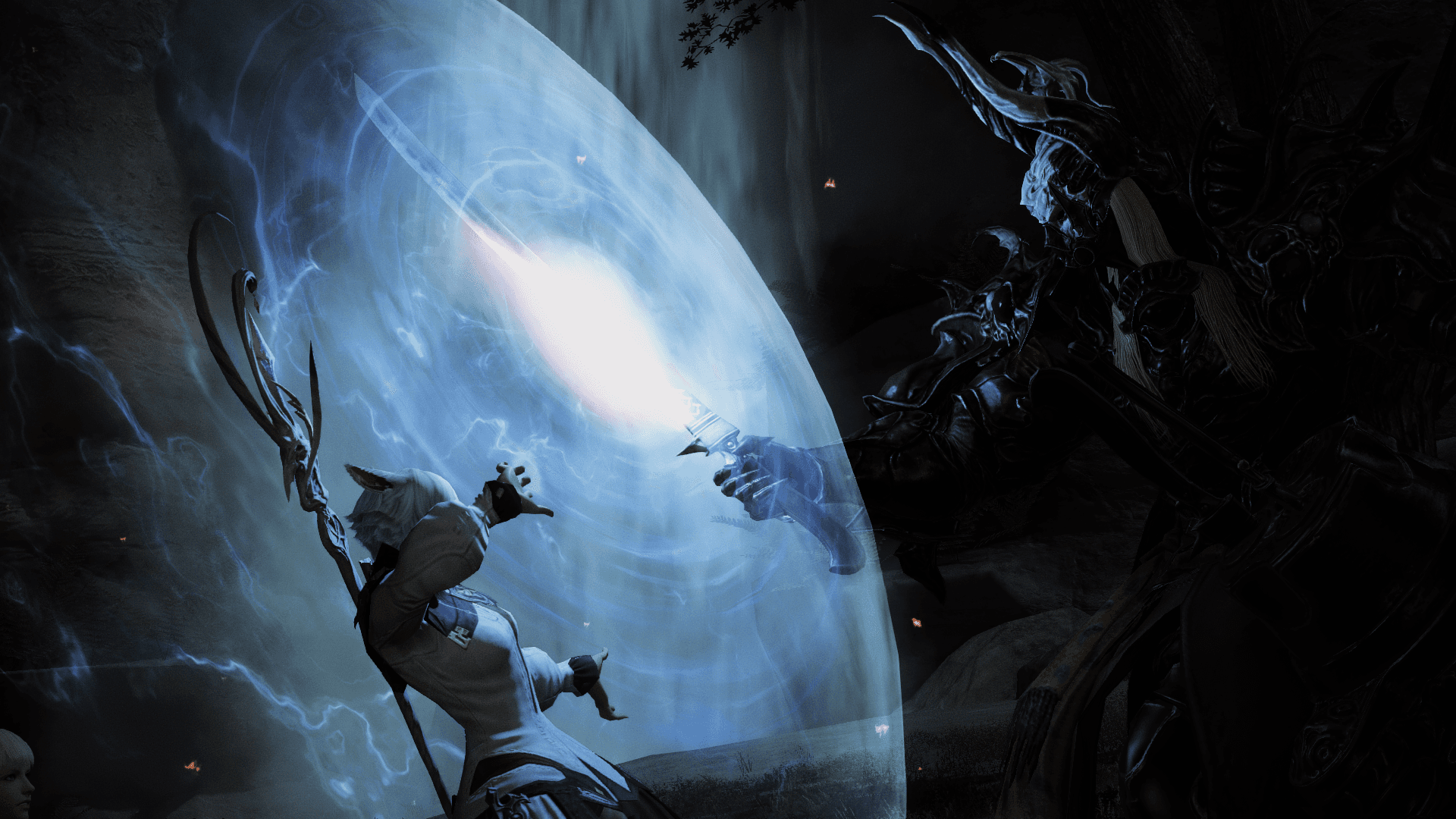
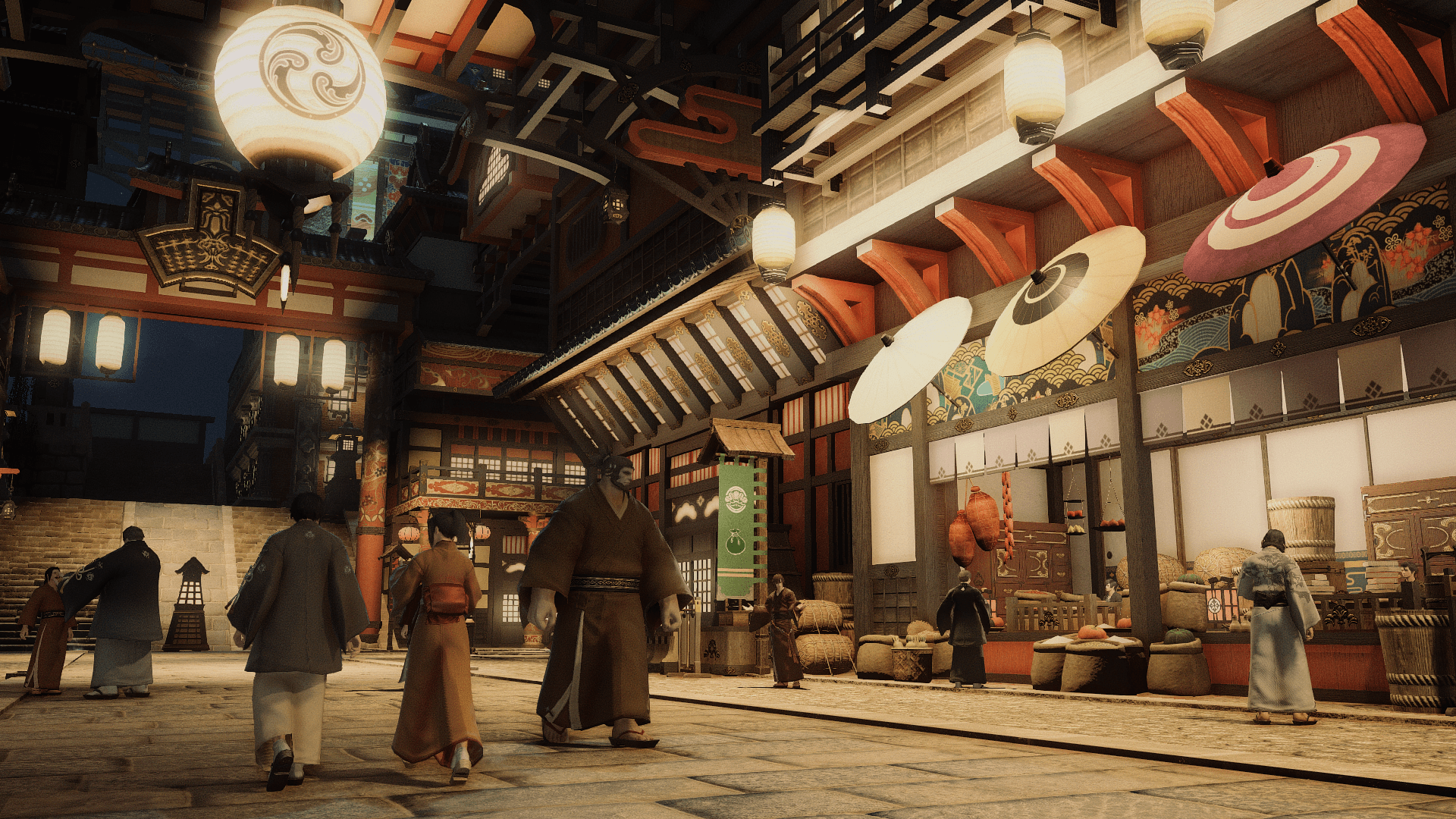
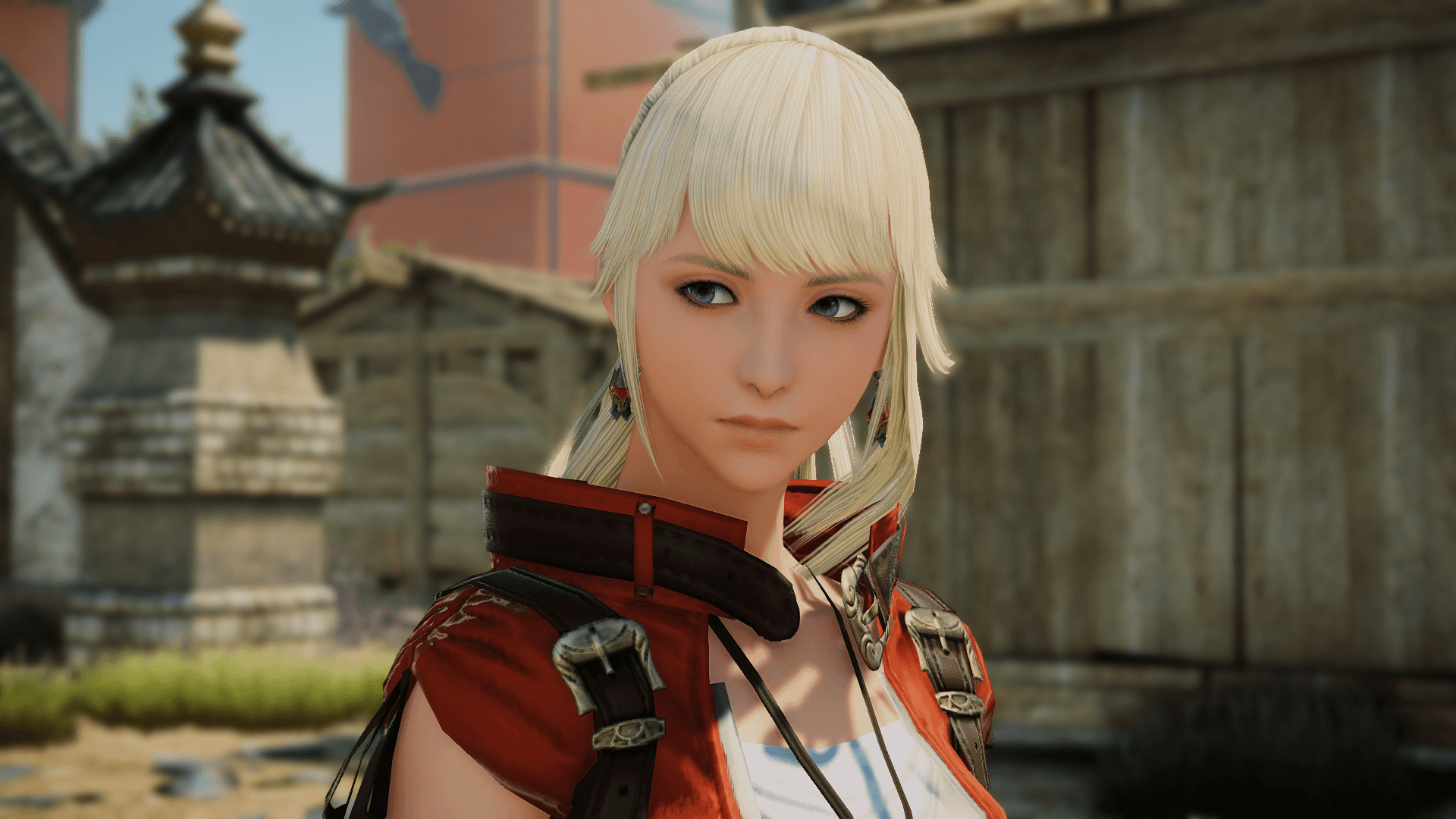
FFXIV ReShade is a custom real-time post-processing and lighting preset engineered for Final Fantasy XIV (DirectX 11) to overhaul the game's desaturated palette and flat default shadows. By leveraging reversed 3D depth-buffer data alongside screen-space global illumination, adaptive volumetric fog, HDR tonemapping, and filmic color grading, the pipeline delivers a warm, cinematic aesthetic optimized for live gameplay.

Overview
Role: Technical Artist & Shader Preset Designer
Core Tools: ReShade (DirectX 11), Custom Shader Pipeline & Depth Buffer Configuration (ffxiv_dx11)


I. Overview & Visual Goals
Out of the box, Final Fantasy XIV often exhibits a desaturated, consistently grey color profile with flat environmental lighting and dated shadow contrast. Because the game must render massive multiplayer environments smoothly, its native rendering pipeline leaves significant room for post-processing refinement.
Using ReShade, which acts as a real-time "Lightroom for games" by hooking directly into the DirectX 11 rendering pipeline and 3D depth buffer rather than applying a flat 2D screen overlay, I engineered a custom shader preset designed around five (5) core objectives:
Colorize & Warm the Palette: Restore natural vibrancy and eliminate the washed-out grey cast.
Revamp Lighting & Shadows: Introduce realistic global illumination, subsurface scattering, and dynamic tonemapping.
Enhance Spatial Atmosphere: Add depth-aware volumetric fog and cinematic depth of field.
Crisp Edge Definition: Smooth out aliasing while sharpening fine surface textures.
Gameplay-Ready Performance: Balance visual fidelity with frame-rate stability so the preset remains practical for everyday gameplay rather than screenshot-only ("Gpose") capture.
II. Shader Pipeline & Depth Buffer Configuration
To allow spatial shaders (such as fog, ambient occlusion, and depth of field) to accurately read the 3D scene geometry, I configured ReShade's Reversed Depth Input settings to properly orient the game's z-buffer (depth buffer) in 3D space and isolated the appropriate draw calls to prevent depth flickering.
Shader Pass | Category | Technical Function & Visual Impact |
Filmic Pass | Color Grading | Applies cinematic color curves and contrast adjustments to establish a rich, film-like base grade. |
Tint | Color Grading | Introduces a subtle warm sepia bias to counteract the engine's cold, desaturated grey tones. |
MagicHDR & Blooming HDR | Lighting & Tonemapping | Simulates High Dynamic Range (HDR) exposure and soft highlight bloom to give light sources and spell effects natural luminosity. |
RadiantGI | Global Illumination | Calculates screen-space global illumination and subsurface scattering, bouncing ambient color into shadowed surfaces. |
Volumetric Fog | 3D Depth / Atmosphere | Uses the reversed z-buffer to simulate physical fog density that adaptively shifts its color to match the lighting tone of each scene. |
ADOF (Advanced Depth of Field) | 3D Depth / Optics | Leverages 3D depth buffer data to create smooth, camera-accurate foreground and background bokeh. |
LumaSharpen | Clarity & Detail | Blurs the original pixel with surrounding pixels and subtracts the blur to sharpen fine armor and environment textures without harsh halo artifacts. |
Deband | Post-Cleanup | Smooths out color gradient banding introduced by heavy lighting and fog passes. |
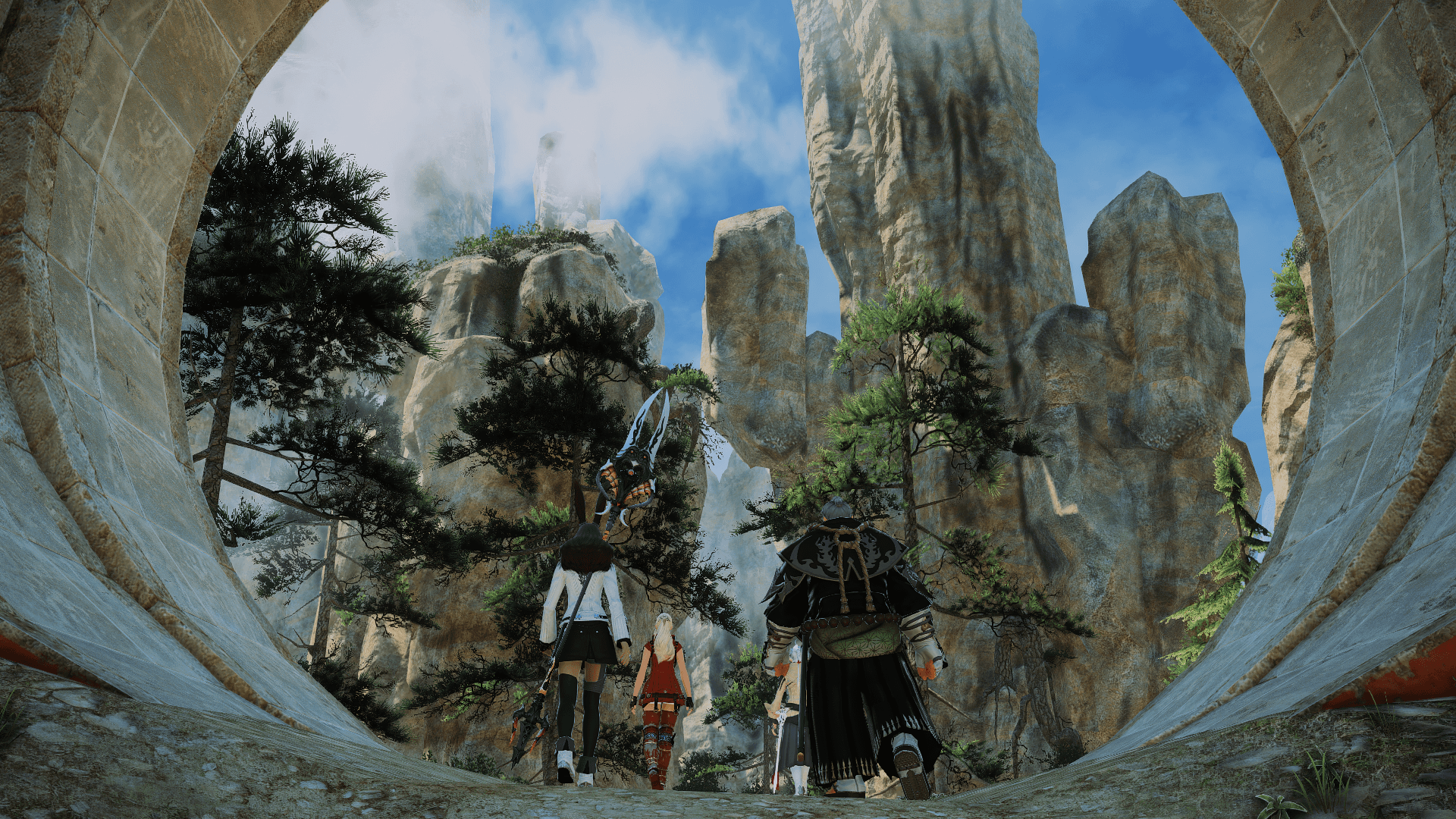
III. Results & Reflection
By combining depth-buffer shaders (RadiantGI, Volumetric Fog, and ADOF) with a warm Filmic Pass and MagicHDR tonemapping stack, the final preset transforms Final Fantasy XIV's flat default rendering into a warm, atmospheric 3D environment while maintaining smooth frame times during live gameplay.